1
Select Multiple Images
Choose photos, screenshots, scanned pages, or image files from your device.
Convert multiple images into one PDF file directly in your browser. Merge your photos and images securely with private local processing — your files never leave your device.
Images
Choose photos, screenshots, scanned pages, or image files from your device.
Create a multi-page PDF file directly in your browser with secure local processing.
Save your converted PDF file instantly after the conversion is complete.
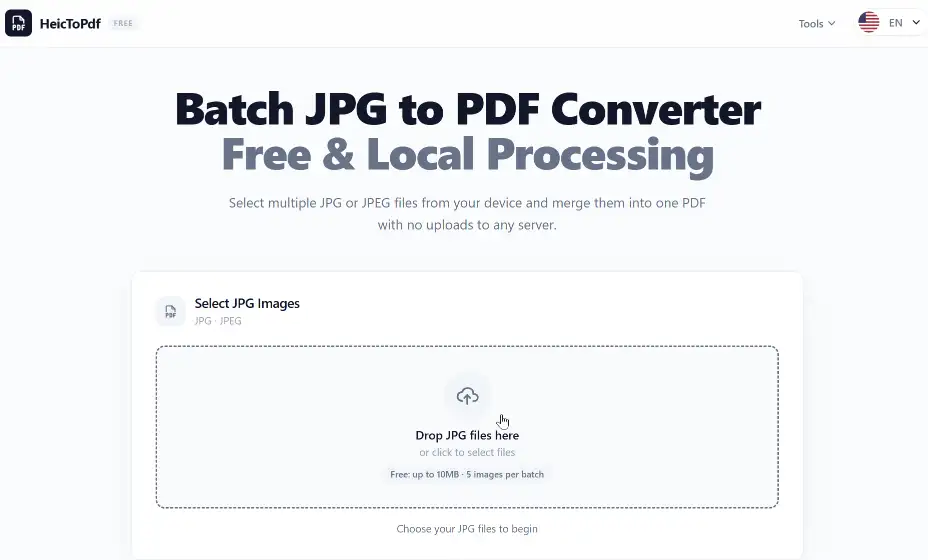
Choose multiple photos, screenshots, scanned pages, or image files from your device to create a PDF.
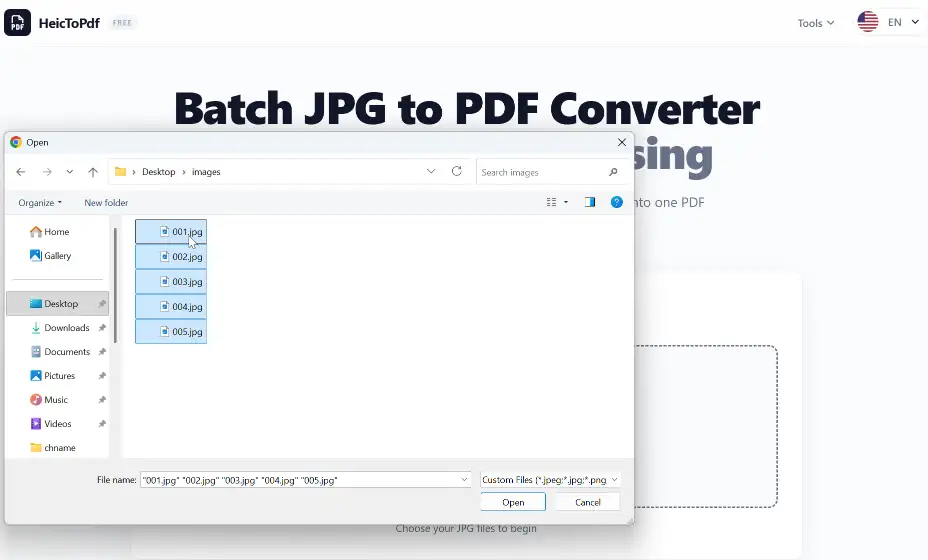
Review your selected images before converting them into a single PDF document.
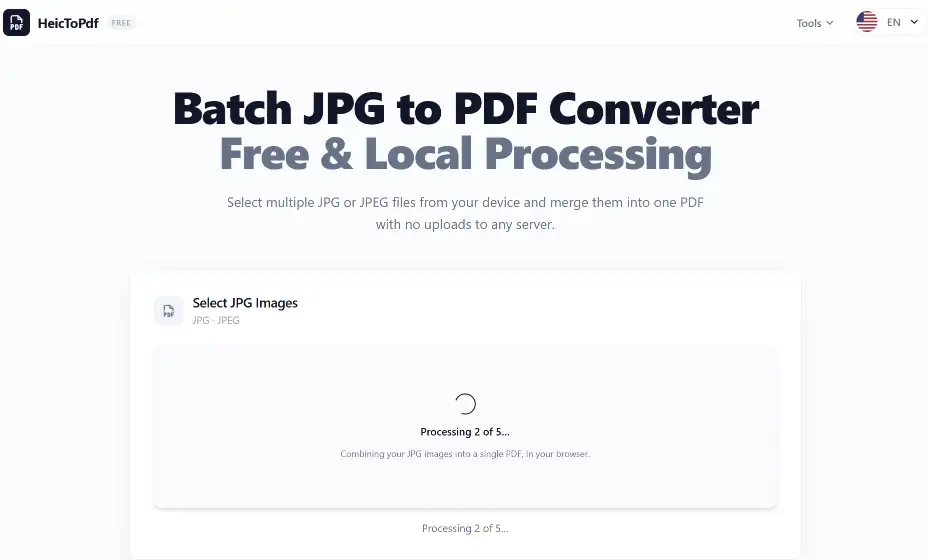
Your images are processed securely in your browser to create a PDF without uploading files to a server.
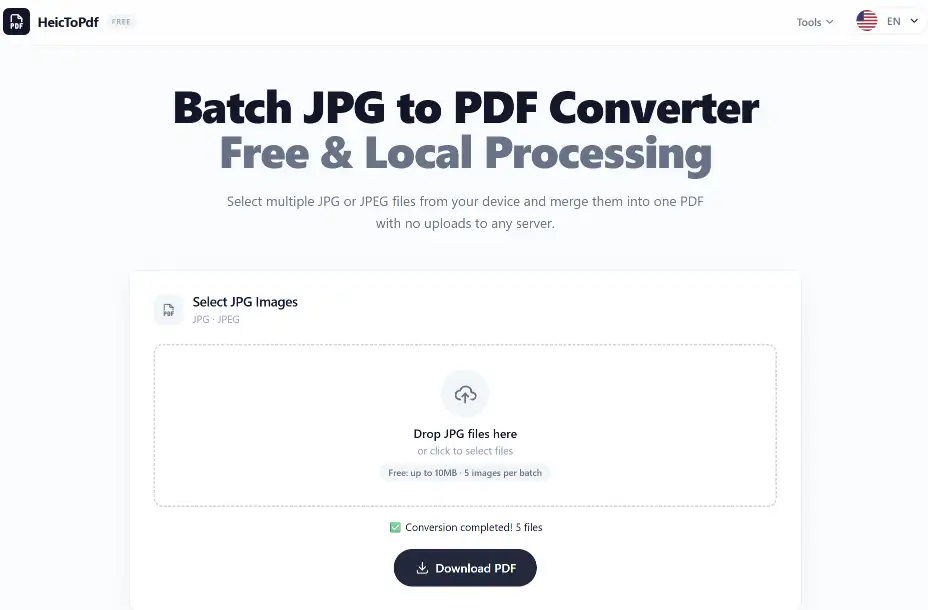
Download your PDF file after converting multiple images into one document.
Your images are converted directly in your browser. Files are never uploaded to external servers.
We do not store your images or PDF files. Your documents stay on your device.
PDF conversion happens locally in your browser for faster and more private processing.
Create PDF albums from travel photos, event pictures, and personal image collections.
Combine scanned pages, receipts, forms, and notes into organized PDF files.
Convert images into PDFs for reports, assignments, presentations, and project files.
Convert JPG, PNG, HEIC, WEBP, and other image formats into PDF files.
Combine multiple images into one PDF file with each image as a separate page.
Convert images directly in your browser without uploading files.
Works on desktop, mobile devices, and tablets with no installation required.
Create PDF files quickly and download them instantly after conversion.
Save your converted PDF files directly to your device.
Convert photos, screenshots, scanned pages, and image collections into PDF files on Mac. Simple, fast, and private.
Create PDF files from pictures, scans, and image collections on Windows. No software installation required.
| Feature | Images | |
|---|---|---|
| Main purpose | Photos and graphics | Documents and collections |
| File structure | Separate files | Multiple pages in one file |
| Best for | Photos, screenshots, artwork | Reports, forms, submissions |
| Sharing | Multiple files | One easy-to-share file |
| Printing | Image-based layout | Consistent document layout |
Images: Best for photos, graphics, and screenshots.
PDF: Best for documents, forms, and reports.
Images to PDF: Combine images into one PDF for easy sharing.
| Feature | How It Works | Why It Helps |
|---|---|---|
| Batch Image to PDF Conversion | Convert multiple images, photos, screenshots, and scanned files into a single PDF document | Save time by combining many images at once |
| Multi-Page PDF Creation | Turn each image into an individual PDF page while creating a complete document | Create organized PDFs for sharing, printing, and archiving |
| Image Page Ordering | Rearrange image files before conversion to control the final PDF page sequence | Keep documents in the correct order |
| Multiple Image Format Support | Combine JPG, JPEG, PNG, HEIC, and other common image formats into one PDF | Convert different image types without extra tools |
| Online Browser Conversion | Convert images to PDF directly in your web browser without installing software | Access the converter from any device |
| Private Local Processing | Process and convert images locally in your browser without uploading files | Keep personal photos and documents secure |
Convert multiple images into a single PDF document where each image becomes an individual page.
Transform image collections into PDF files that are easy to open, view, and share across different devices.
Save image collections as organized PDF documents for long-term storage, printing, and document management.
Select one or more images from your device and convert them into a PDF file directly in your browser. No software installation or account registration is required.
Select multiple photos, screenshots, or image files and combine them into a single PDF document. Each image will be added as a separate page in the final PDF.
You can convert many common image formats, including JPG, JPEG, PNG, HEIC, HEIF, WEBP, GIF, BMP, and TIFF, into PDF files.
Yes. You can combine supported image formats from different sources and create a single PDF document.
Yes. You can convert photos, screenshots, and image collections into PDF files for easier sharing, printing, and storage.
Yes. You can combine scanned pages, receipts, forms, notes, and other image-based documents into a PDF file.
Yes. The converter works on modern mobile browsers, including iPhone, iPad, and Android devices.
No. Your images are processed locally in your browser and are not uploaded or stored on external servers.
The conversion keeps your images clear and suitable for viewing, sharing, printing, and document use. Final quality depends on the original image resolution.
Yes. You can convert images into PDF files online for free without creating an account.
No. The converter runs directly in your browser, so you can create PDF files without installing additional software.
PDF files make it easier to combine multiple images, share documents, maintain consistent layouts, and store image collections in one file.
Explore more tools for converting images and managing PDF files.
Create a single PDF from multiple images, photos, or scanned files directly in your browser. Fast, free, and private with local processing — your files stay on your device.