1
Select Your PNG Files
Upload one or multiple PNG images to start creating your PDF.
Convert PNG images to PDF online for free. Combine multiple PNG files into high-quality PDF documents. All conversions happen locally in your browser with no uploads required.
PNG
Upload one or multiple PNG images to start creating your PDF.
Convert PNG files into PDF documents securely with browser-based processing.
Get your converted PDF ready for download, printing, and sharing.
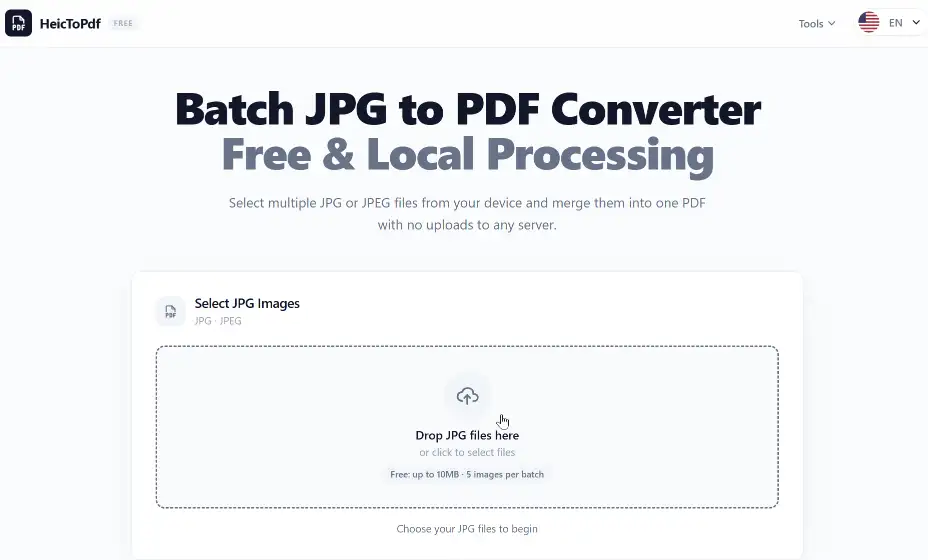
Upload your PNG files by dragging and dropping images into the converter. Multiple PNG images are supported for batch PDF creation.
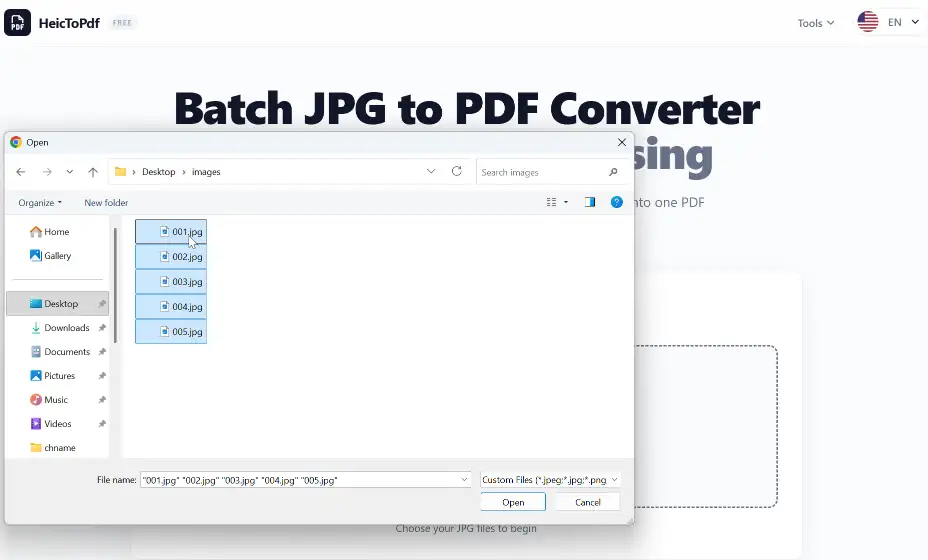
Choose the PNG images you want to combine and prepare them for conversion into a single PDF file.
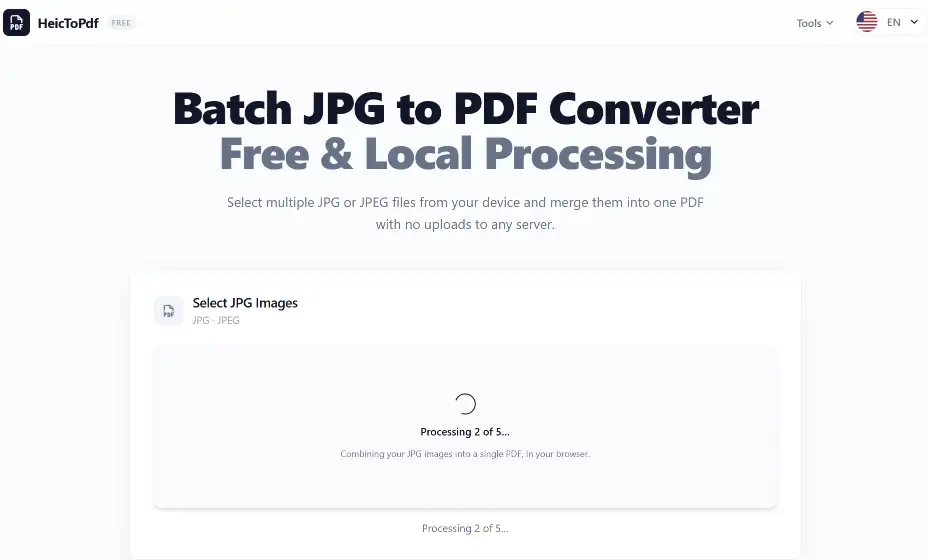
Your PNG images are processed securely in your browser to create a PDF without uploading files to a server.
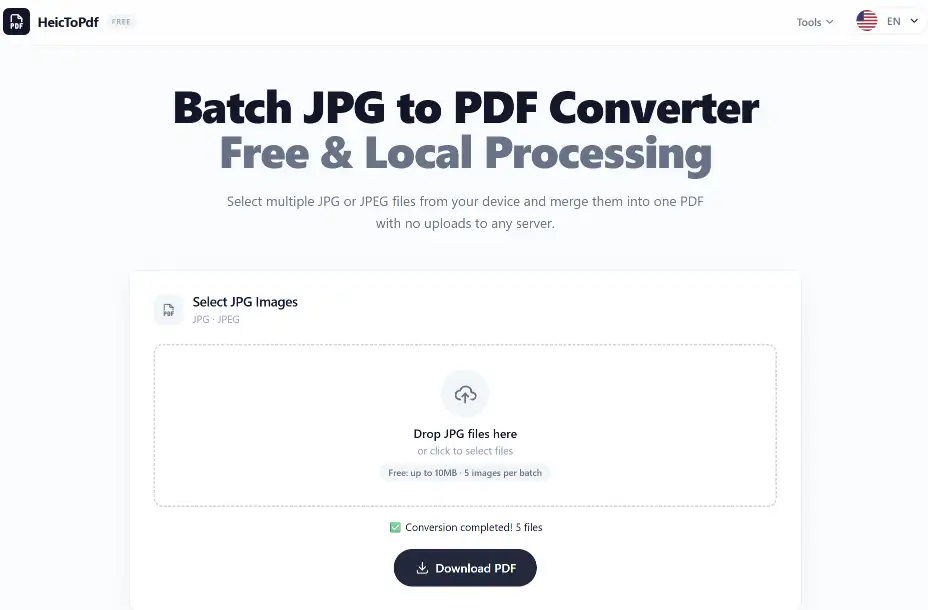
Download your converted PDF after combining multiple PNG images into one document.
PNG images are processed locally in your browser without sending files to external servers.
Your original PNG files and converted PDFs are not stored on our servers.
Convert PNG files up to 10MB each with batch processing support. Upgrade for higher limits and faster processing.
Convert logos and brand graphics into PDF files for presentations, guidelines, and professional sharing.
Combine PNG screenshots into PDF documents for tutorials, product guides, and software documentation.
Convert illustrations, mockups, and digital artwork into PDF files for review, printing, and collaboration.
Convert PNG files to PDF directly in your browser without installing software.
Convert multiple PNG images into a single PDF document with organized pages.
Create clear PDF documents while preserving PNG image quality and details.
Convert transparent PNG graphics while keeping their original visual appearance.
Your PNG files are processed locally in your browser without server uploads.
Download your converted PDF files immediately after conversion.
Create PDF documents from PNG graphics, logos, illustrations, and design assets directly on your Mac. Keep your visual files organized and ready for sharing.
Convert PNG screenshots, interface designs, and graphic files into PDF documents on Windows for reviews, presentations, and collaboration.
| Feature | PNG | |
|---|---|---|
| Main Purpose | High-quality graphics and images | Documents and file sharing |
| Image Quality | Lossless image quality with sharp details | Maintains consistent document layout |
| Transparency | Supports transparent backgrounds | Designed for complete document presentation |
| Best For | Logos, screenshots, icons, illustrations | Printing, submissions, presentations |
| File Usage | Web graphics and design assets | Professional and official documents |
PNG: Best for graphics, logos, screenshots, and images requiring high quality.
PDF: Best for documents requiring consistent formatting and easy sharing.
PNG to PDF: Convert PNG images into PDF files for easy sharing and organization.
| Feature | Description | User Benefit |
|---|---|---|
| PNG Image Conversion | Convert PNG graphics, screenshots, and images into PDF files | Create organized documents from PNG files |
| Batch Conversion | Process multiple PNG images in one conversion | Save time when creating multi-page PDFs |
| Quality Preservation | Keep PNG details, sharp edges, and image clarity | Maintain high-quality PDF output |
| Transparent PNG Support | Convert PNG images with transparent backgrounds | Keep logos, icons, and artwork appearance |
| Local Processing | Process PNG files directly in your browser | Keep private images on your device |
| Browser Compatibility | Works with supported desktop and mobile browsers | Convert PNG files without installing software |
Convert PNG graphics, screenshots, and images into organized PDF files for sharing, printing, and storage.
Designers can convert UI screenshots, illustrations, and brand assets into PDF files for review and collaboration.
Businesses can combine PNG materials, product images, and visual documents into professional PDF files.
To convert PNG images to PDF online: select your PNG files, arrange the images if needed, start the conversion, and download your PDF document. The process runs directly in your browser without installing software.
Yes. This PNG to PDF converter supports batch conversion, allowing you to combine multiple PNG images into a single multi-page PDF file. It is useful for screenshots, graphics, logos, and image collections.
No. The converter preserves PNG image quality when creating PDF files, including sharp details, clear text, and graphic elements. Your images remain suitable for printing and professional use.
Yes. Transparent PNG images can be converted into PDF documents while maintaining their visual appearance. This is useful for logos, icons, illustrations, and other graphics with transparent backgrounds.
Yes. You can combine PNG screenshots into PDF documents for software tutorials, product guides, technical documentation, and easier sharing.
Yes. PNG logos can be converted into PDF files for brand presentations, marketing materials, business documents, and client sharing while keeping graphic quality.
Yes. You can use this PNG to PDF converter for free without creating an account. It supports common PNG conversion needs, including image conversion and batch PDF creation.
No. Your PNG files are processed locally inside your browser. Images are not uploaded to remote servers, helping keep your files private and under your control.
Yes. The PNG to PDF converter works on iPhone and iPad through supported mobile browsers such as Safari. You can convert images from your Photos app without installing an additional application.
Yes. You can convert PNG files to PDF on Windows and Mac using supported browsers such as Chrome, Edge, Safari, and Firefox. No desktop software installation is required.
PNG is designed for high-quality digital graphics, screenshots, and images. PDF is designed for documents that require consistent formatting, printing, and sharing. Converting PNG to PDF makes image files easier to organize and distribute.
No. This online PNG to PDF converter works directly in your browser. You only need PNG images and a supported browser to create PDF documents without additional software or plugins.
Explore more tools for converting images and managing PDF files.
Convert HEIC images to PDF.
Combine JPG images into one PDF.
Merge multiple PDF files.
Convert PNG images, graphics, and screenshots into high-quality PDF documents quickly and securely. Create your PDF file directly in your browser.