1
Select Your HEIC Photos
Choose one or multiple HEIC images from your device. They will be combined into one PDF.
Convert HEIC files into PDF documents directly in your browser. No software installation. Your files stay on your device.
HEIC · HEIF
Choose one or multiple HEIC images from your device. They will be combined into one PDF.
After selection, the conversion starts in your browser. Your files are never uploaded.
Save the converted PDF directly to the device. Ready for sharing or printing.
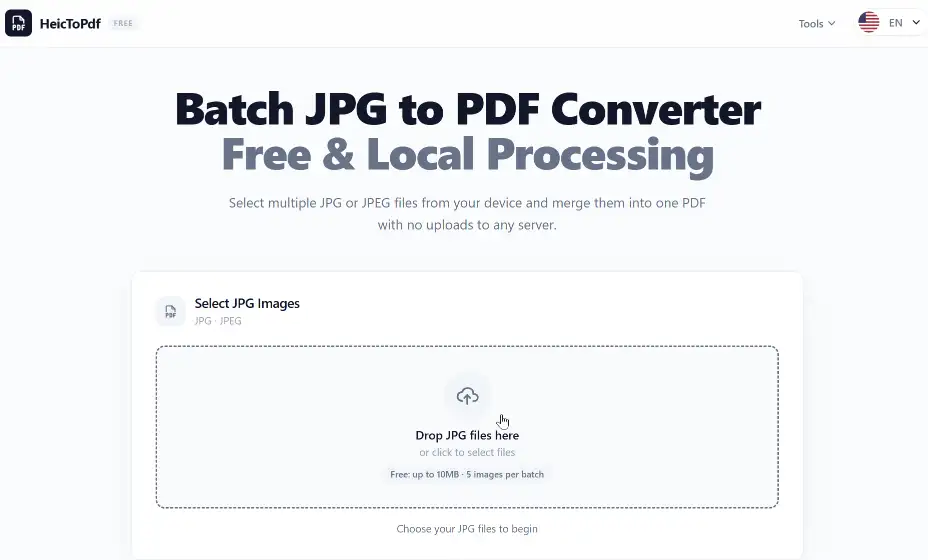
Click or drag your HEIC files here to start the conversion. Supports batch selection.
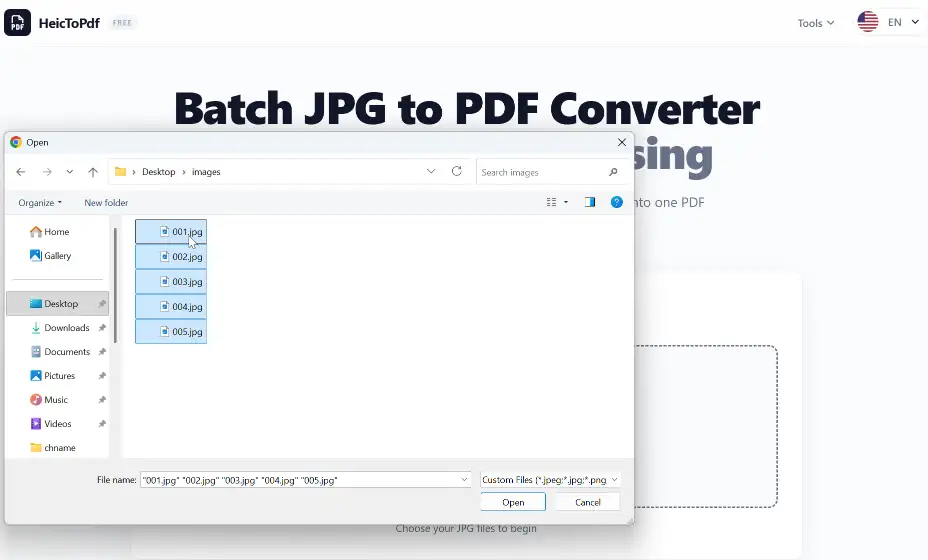
Choose one or more HEIC files from your device. They will be combined into a single PDF.
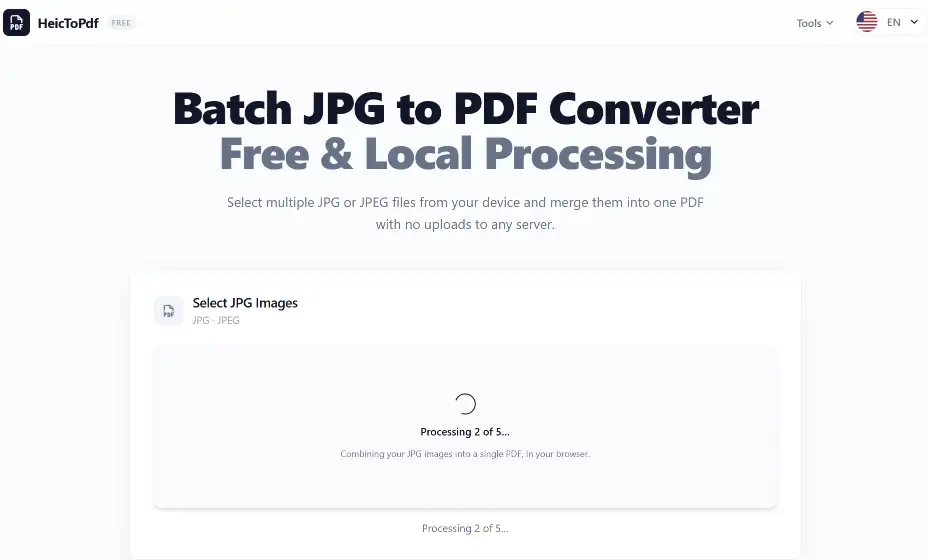
Conversion runs in your browser. Your files are processed locally and never uploaded.
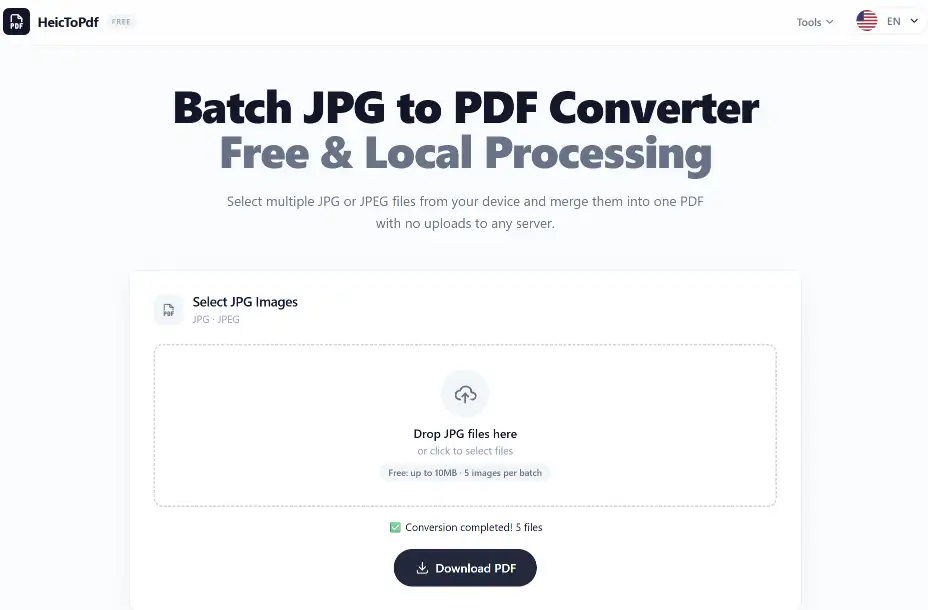
Click "Download PDF" to save the merged document to your device.
Personal photos, receipts, or documents stay on your device. No one else can access them.
All processing is local. Your original files and the PDF are never stored on any server.
Your browser does all the work, using modern web technology. Fast and secure.
Merge several HEIC photos into one PDF – ideal for receipts, reports, or scanned documents.
Macs can open HEIC natively, but many websites require PDF. Use this online tool without installing anything.
Some Windows versions lack HEIC support. Converting to PDF gives you a universal, compatible file.
| Feature | HEIC | JPG | |
|---|---|---|---|
| Main purpose | Modern photo | Image sharing | Document |
| File size | Smaller | Larger | Depends |
| Image quality | High | Good | High |
| Device compatibility | Medium | Excellent | Excellent |
| Document submission | Limited | Limited | Excellent |
HEIC: Best for iPhone photos and storage efficiency.
JPG: Best for general image compatibility.
PDF: Best for documents, printing, and official submissions.
No software to install – works everywhere.
Combine several HEIC files into one PDF.
Maintains original image quality in the PDF.
HEIC (High Efficiency Image Container) is Apple's modern image format used for photos taken on iPhone and iPad. It offers high quality with smaller file sizes.
Yes. The basic conversion is free – no account needed. Free version supports files up to 10MB and up to 5 images per batch.
Open this converter in your browser, select your HEIC images, wait for local processing, and download the PDF.
No. All processing is done locally in your browser. Your files never leave your device.
Yes. Select multiple files and they will be combined into a single PDF document.
We preserve image quality as much as possible during PDF generation.
Some Windows versions need extra codecs. Converting to PDF provides a universal solution.
HEIC gives smaller files and better quality. JPG offers wider compatibility. PDF is best for documents and printing.
Free version supports files up to 10MB each and up to 5 images per batch.
Explore more tools for converting images and managing PDF files.
Convert JPG images to PDF quickly.
Turn PNG files into PDF documents.
Combine multiple PDFs into one.
Convert iPhone HEIC images into high-quality PDF files quickly and easily. Create shareable PDF documents from your Apple photos directly in your browser.