1
Select Your JPG Images
Choose one or multiple JPG or JPEG images from your device to combine into one PDF.
Select multiple JPG or JPEG files from your device and merge them into one PDF with no uploads to any server.
JPG · JPEG
Choose one or multiple JPG or JPEG images from your device to combine into one PDF.
Batch conversion runs in your browser with no file uploads.
Save the PDF to your device for printing, sharing, or archiving.
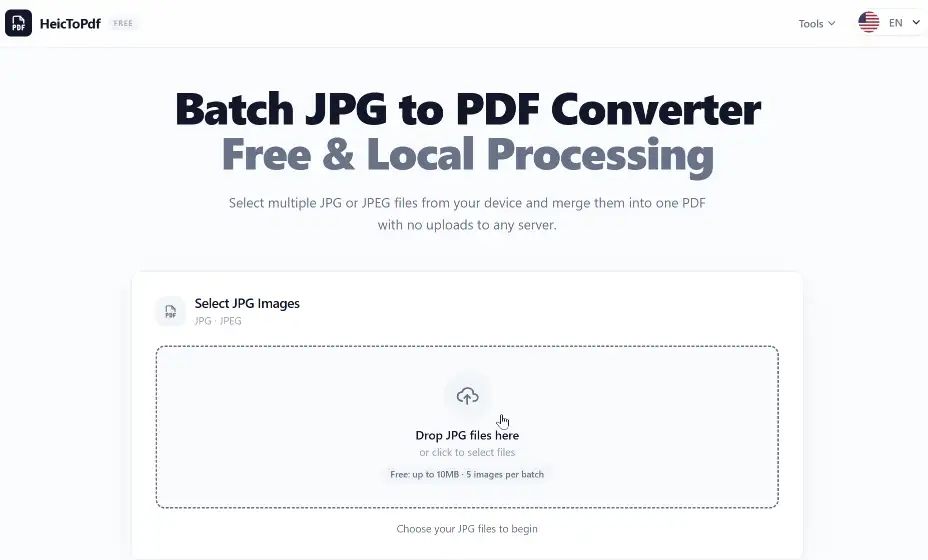
Drag and drop your JPG or JPEG images into the upload area. Supports batch selection for fast conversion.
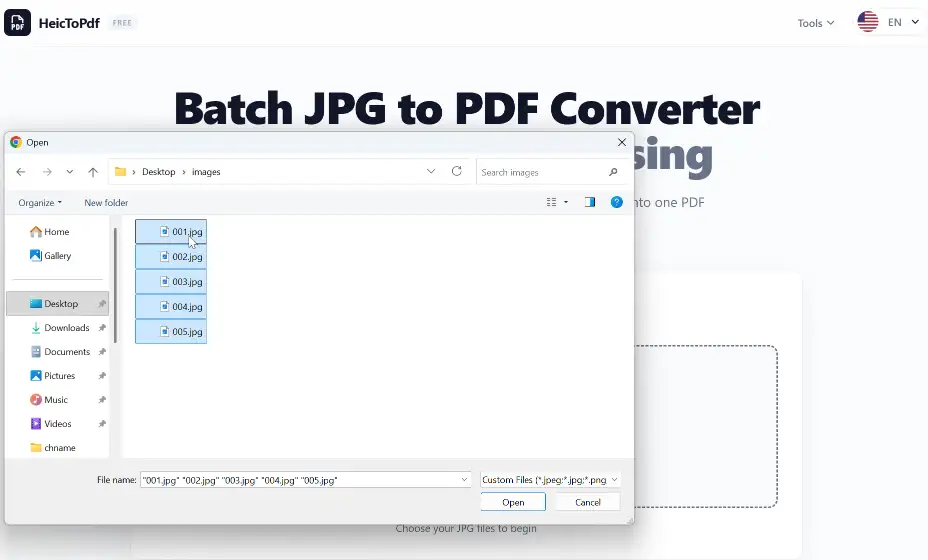
Select multiple JPG images from your device. All selected files will be merged into one PDF document.
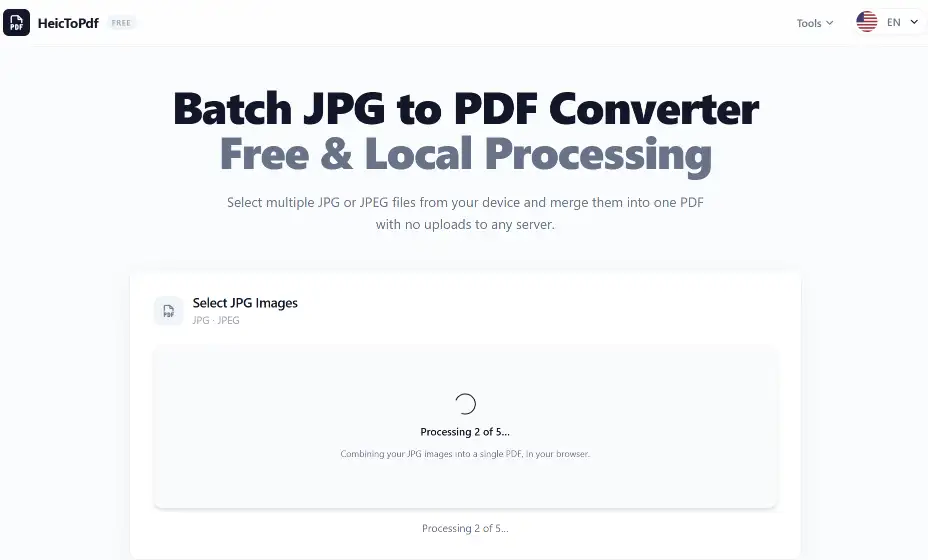
Your JPG images are processed instantly in your browser with fast local conversion – no waiting for server uploads.
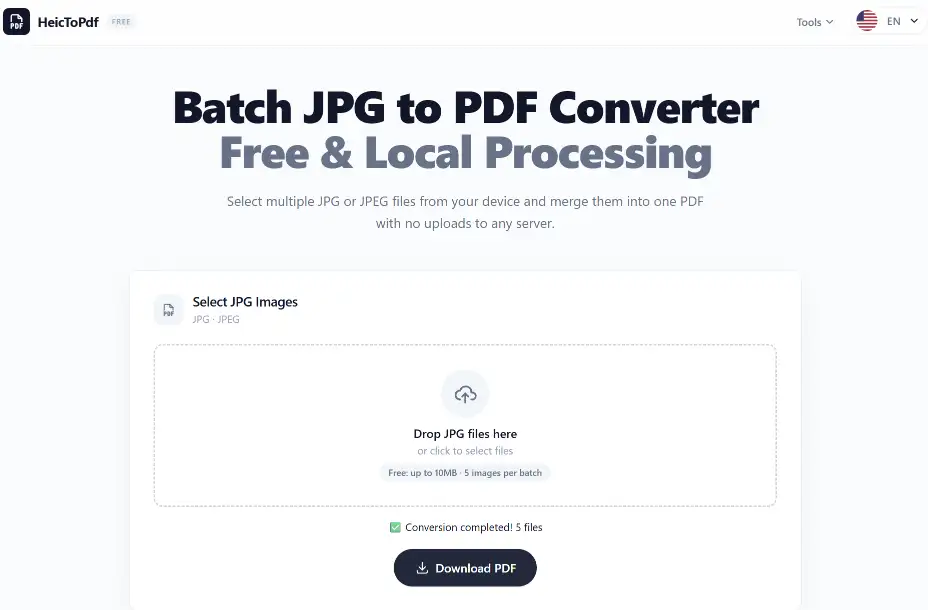
Click "Download PDF" to save your combined document. Your merged PDF is ready for sharing or printing.
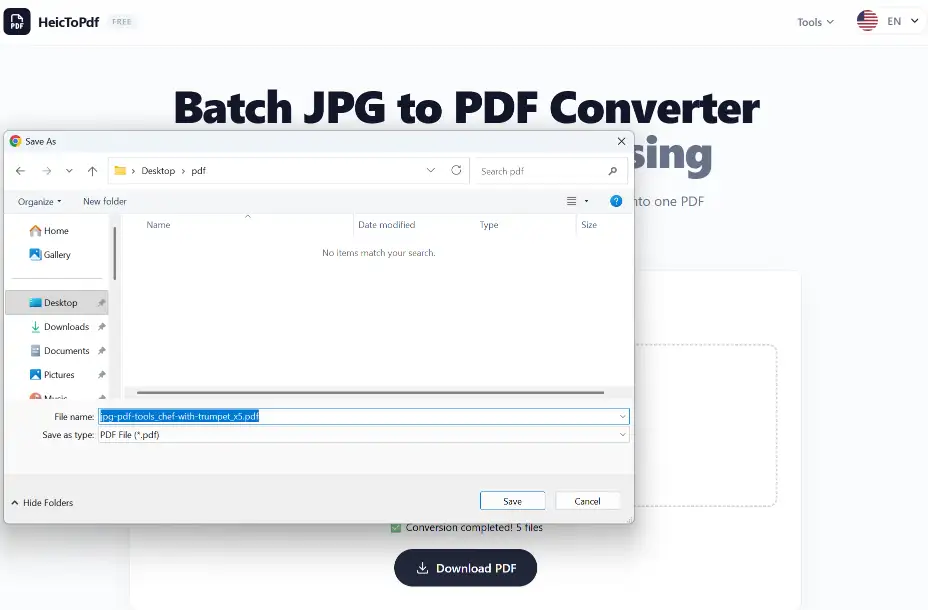
Choose a save location and rename your PDF file. Save it to your computer, phone, or cloud storage.
Your uploaded images are processed securely. We respect your privacy and do not use your files for any purpose other than conversion.
All processing is local. Your original files and the PDF are never stored on any server.
Your browser does all the work, using modern web technology. Your documents remain protected during the conversion process.
Combine multiple JPG or JPEG images into a single multi-page PDF file in one go.
Keep your images clear and readable – ideal for photos, scans, screenshots, and documents.
All conversion happens in your browser. No software to install and no server uploads.
Turn JPG photos into PDFs for easy viewing, sharing, and printing. Perfect for albums, portfolios, and presentations.
Save screenshots as PDFs for better organization. Great for tutorials, guides, and reference documents.
Turn scanned receipts, invoices, or contracts into organized PDF records for accounting and record-keeping.
JPG files open natively on macOS, but many websites and forms require PDF. Use this online tool without installing anything.
Convert JPG screenshots, scanned documents, and photos into PDF files that open consistently across every Windows application.
| Feature | JPG | |
|---|---|---|
| Best use | Individual images & photos | Documents & reports |
| Pages per file | One image per file | Multiple pages supported |
| Layout control | Flexible, varies by viewer | Fixed, consistent everywhere |
| Printing | May need adjustments | Print-ready, consistent layout |
JPG: Best for photos, web images, and general use where small file size matters.
PDF: Best for documents, printing, official submissions, and multi-page files.
JPG to PDF: Combine multiple JPG images into a single PDF for easier sharing, printing, and document management.
Upload your JPG images, adjust settings if needed, and click convert. Your PDF file will be created automatically.
Yes. You can convert JPG images to PDF online for free without installing software.
Yes. You can combine multiple JPG images into a multi-page PDF document.
Yes. JPG and JPEG are the same image format and both can be converted into PDF files.
Yes. You can convert photos from your phone or computer into PDF documents.
Yes. The converter keeps your images clear while creating PDF files.
Yes. The converter works directly in mobile browsers on iPhone and iPad devices.
Yes. Android users can convert JPG images into PDF files using a mobile browser.
No. The converter works online without requiring any software installation.
Yes. Multiple JPG images can be combined into a single PDF document.
Yes. Scanned JPG pages can be converted into professional PDF documents.
Yes. JPG screenshots can be converted into PDF files for easier sharing and storage.
Yes. The converter works on Windows, macOS, and other modern operating systems.
Yes. PDF format is ideal for printing because it preserves page layout.
Yes. You can convert JPG images without creating an account.
Yes. Each JPG image can become a separate page in your PDF document.
You can convert JPG, JPEG, PNG, WEBP, HEIC, BMP, and other common image formats.
PDF files are easier to share, print, organize, and store compared with multiple separate image files.
Explore more free PDF tools to convert, organize, and manage your documents online.
Convert HEIC photos to PDF documents.
Turn PNG files into PDF documents.
Combine multiple PDFs into one.